
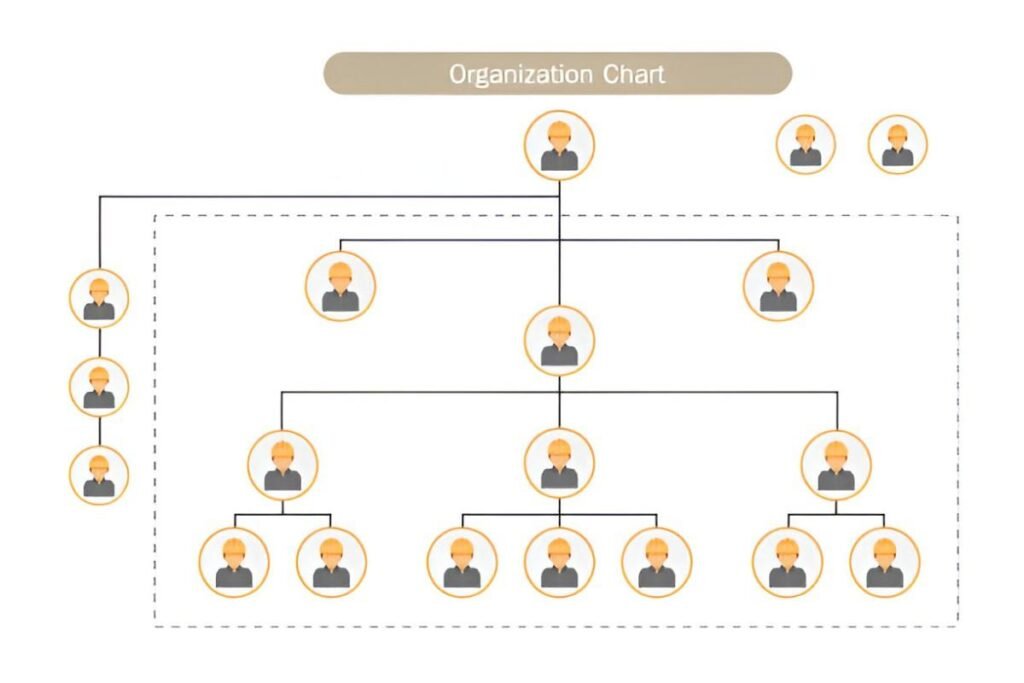
Easily visualize your company’s hierarchy with this Company Organization Chart (SmartArt) Excel Template. This user-friendly template leverages Excel’s built-in SmartArt functionality, making it simple to design, update, and customize organizational structures. Perfect for business owners, HR teams, and managers, this tool provides a clear and professional representation of reporting lines, departments, and roles within your organization.
Key Features
✅ SmartArt-Based Org Chart – Easily modify and rearrange positions dynamically.
✅ Drag-and-Drop Editing – Quickly adjust roles and reporting relationships.
✅ Pre-Formatted for Clarity – Professionally structured for immediate use.
✅ Customizable Colors & Styles – Match your company branding with ease.
✅ Printable & Presentation-Ready – Use in meetings, onboarding, or company reports.
Use Cases
🔹 Corporate & Business Structuring – Define leadership, management, and team roles.
🔹 HR & Employee Onboarding – Help new hires understand reporting lines and team organization.
🔹 Project & Team Organization – Assign and display team structures effectively.
🔹 Company Restructuring & Expansion – Plan organizational changes with clarity.
How It Works
Enter Employee Names & Titles – Populate the chart with team members.
Use SmartArt Tools to Adjust Layout – Drag and reposition hierarchy as needed.
Customize Colors & Styles – Modify the design to fit your company’s theme.
Update as Your Business Grows – Easily add or remove positions.
Print & Share Digitally – Use in reports, meetings, or employee handbooks.


