
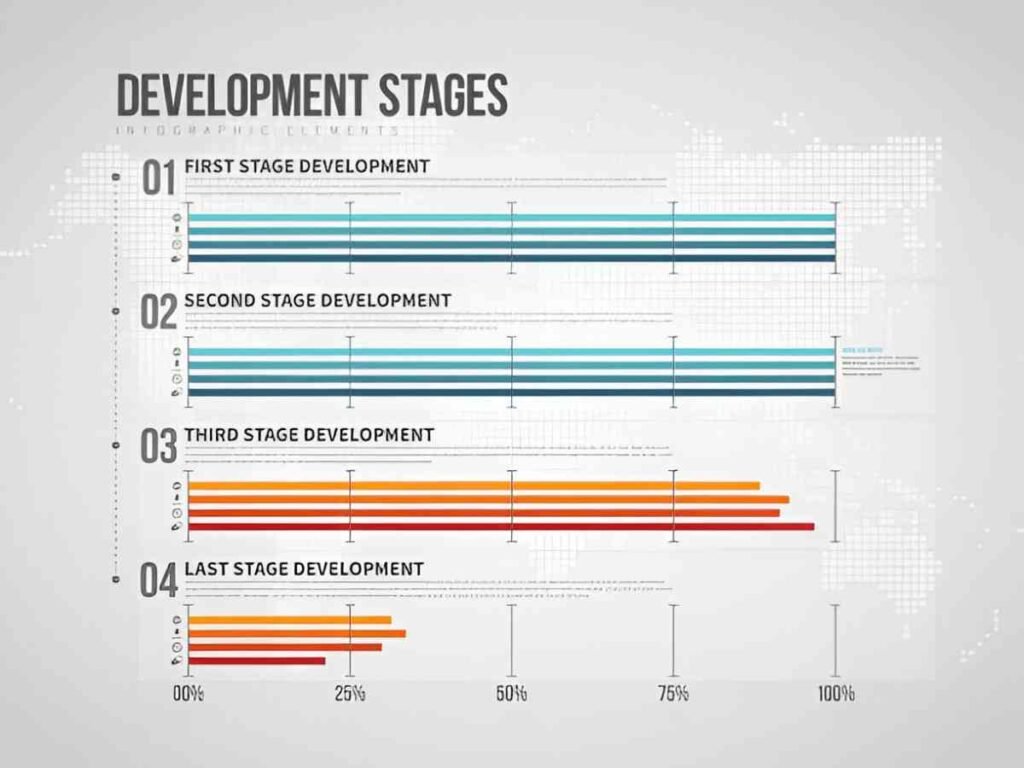
This Development Lifecycle Gantt Chart Excel Template is a professional and customizable tool designed to help project managers and development teams plan, track, and manage the software development lifecycle (SDLC) or any other project with a structured workflow. Whether you’re overseeing agile sprints, waterfall phases, or hybrid methodologies, this template provides a clear visual representation of tasks, timelines, and progress.
Key Features
- Task Management : Includes predefined columns for activity names, start dates, end dates, durations, and completion percentages.
- Color-Coded Progress Bars : Automatically generates progress bars based on completion percentages, making it easy to identify task status at a glance.
- Customizable Timeline : Supports up to five weeks of scheduling, with each day clearly labeled (e.g., Week 1 Day 1, Week 2 Day 3).
- Flexible Task Organization : Allows users to group tasks under specific headings (e.g., Task 1, Task 2) for better organization.
Use Cases
- Software Development : Ideal for tracking milestones, deliverables, and deadlines in agile or waterfall projects.
- Product Launches : Helps businesses analyze the effectiveness of marketing campaigns or pricing strategies on product growth.
- Event Planning : Ensures all activities leading up to an event (e.g., venue setup, catering, promotions) are completed on schedule.
- Supply Chain Oversight : Tracks production, packaging, and distribution timelines for goods and services.
- Team Collaboration : Organizes daily routines, study plans, or fitness goals with ease.
How It Works
- Input Task Details : Enter the activity name, start date, end date, duration, and completion percentage into the designated columns.
- Review Progress Bars : The template automatically generates color-coded progress bars to represent the completion status of each task.
- Customize the Timeline : Extend or modify the timeline to fit your project’s needs by adding or removing days/weeks.
- Group Tasks : Use the “Activity” rows to categorize tasks under specific headings (e.g., Task 1, Task 2).
- Save and Share : Once completed, save the file and share it with your team or stakeholders for review and collaboration.


