
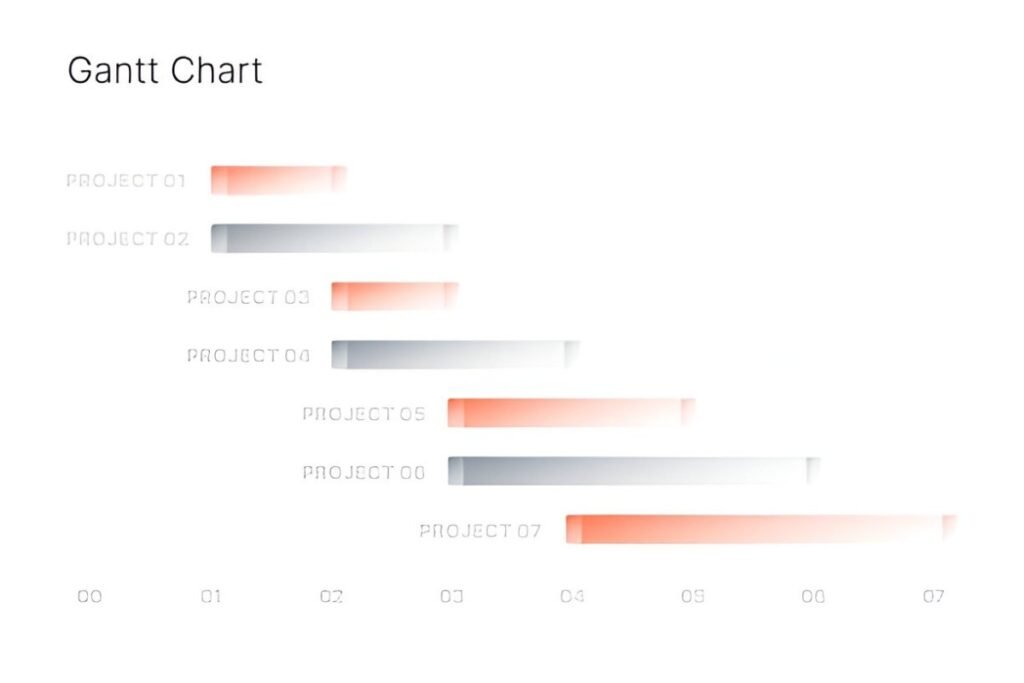
This Excel Gantt Chart Template (Letter Format) is a professional and customizable tool designed to help project managers, teams, and businesses efficiently plan, track, and visualize tasks across a timeline. Whether you’re managing small projects, large-scale initiatives, or recurring workflows, this template provides a clear framework for organizing tasks, deadlines, and progress in a letter-sized format.
Key Features
- Task Management : Includes predefined columns for activity names, start dates, end dates, durations, and completion percentages.
- Color-Coded Progress Bars : Automatically generates progress bars based on completion percentages, making it easy to identify task status at a glance.
- Customizable Timeline : Supports flexible scheduling with columns for each day, week, or month, depending on your project needs.
- Flexible Task Organization : Allows users to group tasks under specific headings (e.g., Planning, Execution, Review) for better organization.
- Dynamic Chart Updates : Adjusts progress bars dynamically as users update completion percentages or task durations.
- Professional Layout : Clean and organized design ensures ease of use and readability for teams and stakeholders.
Use Cases
- Project Planning : Ideal for managing tasks such as research, development, testing, and deployment.
- Event Coordination : Helps coordinate activities for conferences, exhibitions, or corporate events.
- Construction Projects : Assists in planning and tracking phases like site preparation, building, inspections, and handovers.
- Team Workflows : Ensures all team members are aligned and aware of their responsibilities and deadlines.
- Supply Chain Oversight : Tracks production, packaging, and distribution timelines for goods and services.
How It Works
- Input Task Details : Enter the activity name, start date, end date, duration, and completion percentage into the designated columns.
- Review Progress Bars : The template automatically generates color-coded progress bars to represent the completion status of each task.
- Customize the Timeline : Extend or modify the timeline to fit your project’s needs by adding or removing days/weeks.
- Group Tasks : Use the “Activity” rows to categorize tasks under specific headings (e.g., Planning, Execution).
- Save and Share : Once completed, save the file and share it with your team, supervisor, or stakeholders for review and collaboration.


