
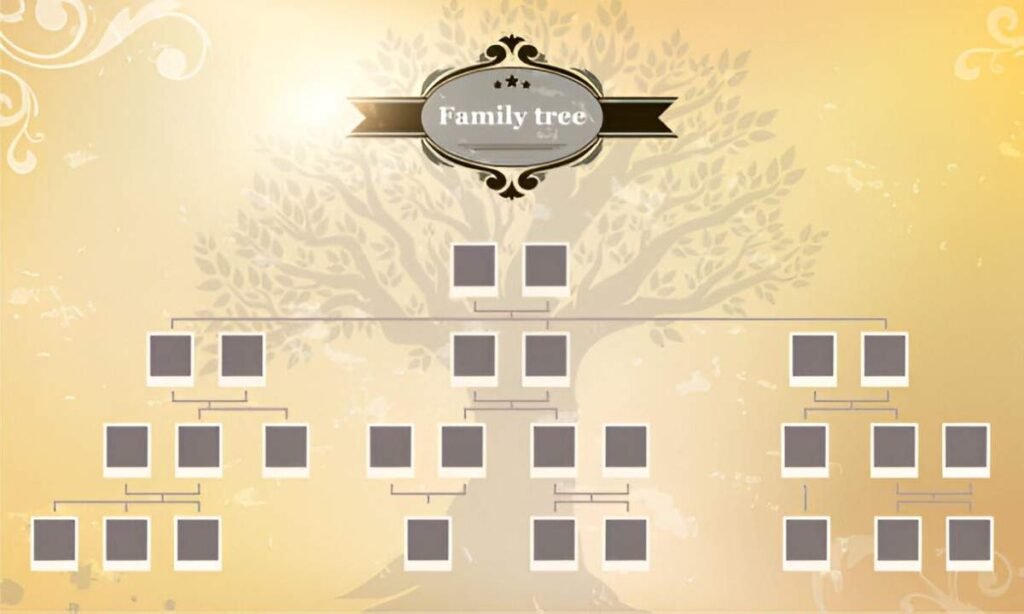
This Family Tree with Photos Excel Template is a professional and customizable tool designed to help individuals and families document and visualize their genealogy in a visually engaging way. Whether you’re tracing your ancestry, preserving family history, or creating a keepsake for future generations, this template provides a structured framework to organize and display family members along with their photos.
Key Features
- Predefined Generations : Includes placeholders for multiple generations, starting from the earliest known ancestor to the youngest family members.
- Customizable Fields : Easily input names, birthdates, marriage dates, and other relevant details for each family member.
- Photo Integration : Allows users to add photos of family members for a more personal and engaging family tree.
- Visual Representation : Displays family relationships in a clear, hierarchical tree structure for easy interpretation.
- Expandable Design : Allows users to add more generations or siblings as needed.
- Professional Layout : Clean and organized design ensures ease of use and readability for individuals and families.
Use Cases
- Genealogy Research : Ideal for tracing ancestry and documenting family lineage across multiple generations.
- Family History Preservation : Helps families create a lasting record of their heritage for future generations.
- Educational Purposes : Supports educators and students in learning about family structures and historical connections.
- Wedding Planning : Assists in organizing family relationships for seating charts or invitations.
- Legal Documentation : Provides a structured format for recording family details required for legal or inheritance purposes.
How It Works
- Input Family Details : Enter names, birthdates, marriage dates, and other relevant information for each family member in the designated fields.
- Add Photos : Replace placeholder images with actual photos of family members by right-clicking on the image box and selecting “Change Picture.”
- Map Relationships : Use the predefined tree structure to visually map out relationships between generations.
- Expand as Needed : Add more rows or columns to include additional generations or siblings not initially accounted for.
- Save and Share : Once completed, save the file digitally or print it for offline use. Share it with family members for review and collaboration.


