
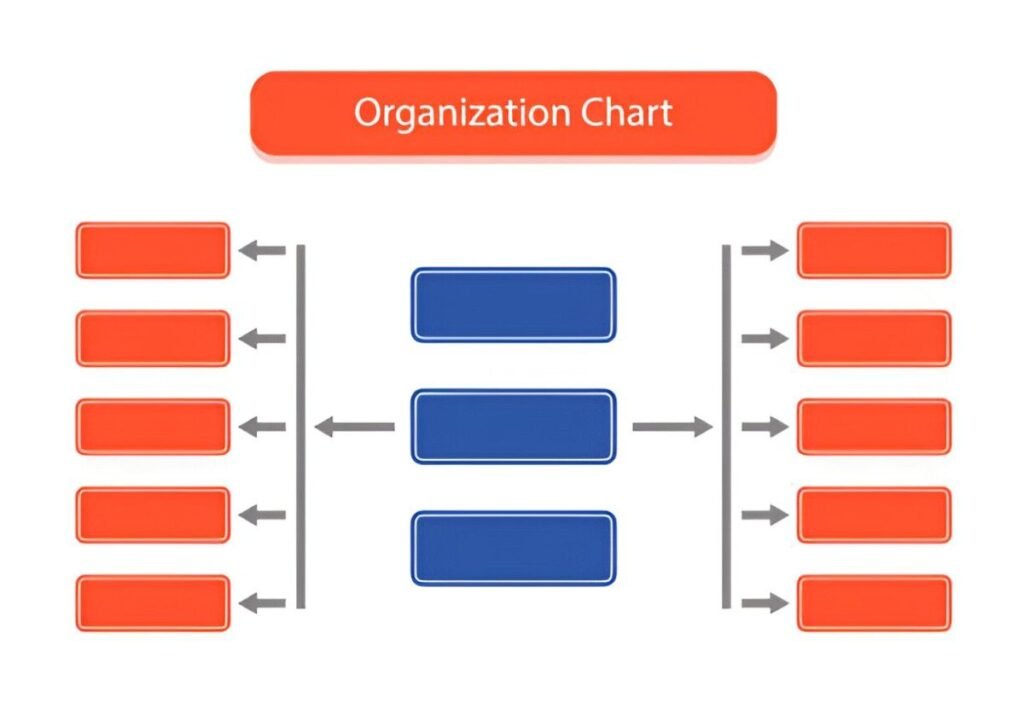
This Nonprofit Organization Chart Excel Template is a comprehensive and user-friendly tool designed to help nonprofit organizations, charities, and community groups visualize their organizational structure effectively. Whether you’re managing a small team or a large organization, this template provides a structured framework for organizing roles, responsibilities, and reporting lines.
Key Features:
- Board of Directors : Includes predefined sections for listing board members and their roles.
- Executive Leadership : Predefined categories for Executive Director, Assistant Directors, and Vice Presidents.
- Committees : Sections for Fundraising, Budget and Finance, Nominating, and other ad hoc or program-specific committees.
- Department Heads : Categories for key departments such as Development, Finance, Operations, Planning/Marketing, PR/Community Affairs, and Human Resources.
- Customizable Fields : Modify categories and inputs to match your specific organizational needs.
- Professional Design : Clean layout ensures ease of use and professional presentation, suitable for internal tracking or donor reporting.
Use Cases:
- Nonprofit Organizations : Visualize the organizational structure to ensure clarity in roles and responsibilities.
- Charities : Simplify the process of managing teams without investing in complex organizational tools.
- Community Groups : Monitor program budgets and ensure funds are allocated appropriately for various initiatives.
- HR Managers : Keep track of all organizational roles and reporting lines to comply with organizational requirements.
How It Works:
This Nonprofit Organization Chart Excel Template is designed to be intuitive and user-friendly. Here’s how it works:
- Input Board Members : Enter the names and roles of your Board of Directors in the designated fields.
- Record Executive Leadership : Input the names and titles of your Executive Director, Assistant Directors, and Vice Presidents.
- Track Committees : List the members and roles within each committee, such as Fundraising, Budget and Finance, and Nominating.
- Visualize Department Heads : Use the predefined categories to list department heads and their respective teams.
- Adjust Plans : Modify your organizational chart based on the insights gained from tracking your organizational structure.


