
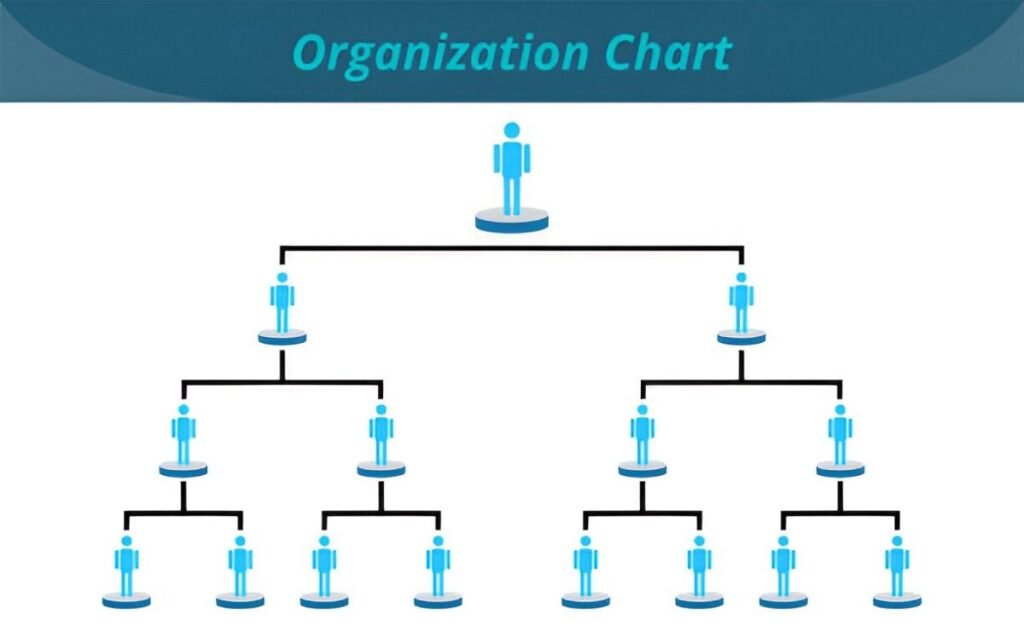
This Divisional Organizational Chart Excel Template is a professional and customizable tool designed to help businesses create clear and structured divisional organizational charts. Whether you’re managing multiple product lines, geographic regions, or functional departments, this template provides a visual representation of your company’s hierarchy and reporting structure.
Key Features
- Predefined Division Structure : Includes placeholders for divisions such as Product A, Product B, and shared services like Accounting/Finance, Human Resources, and Customer Service.
- Customizable Fields : Easily modify division names, roles, and team structures to fit your organization’s unique setup.
- Professional Layout : Clean and organized design ensures ease of use and readability for internal and external stakeholders.
- Scalable Framework : Add or remove divisions and roles to accommodate changes in your organizational structure.
- Visual Hierarchy : Clearly outlines reporting relationships and team responsibilities within each division.
Use Cases
- Corporate Restructuring : Ideal for visualizing changes in organizational structure during mergers, acquisitions, or reorganizations.
- Onboarding Employees : Helps new hires understand the divisional structure and key contacts within their division.
- Strategic Planning : Assists leaders in identifying gaps in resources or leadership within divisions.
- Stakeholder Communication : Provides a clear snapshot of divisional roles and responsibilities for executives, investors, or clients.
- Cross-Division Collaboration : Facilitates coordination between divisions by clearly outlining roles and leaders.
How It Works
- Input Division Details : Replace placeholders with actual division names (e.g., Product A Division, Product B Division).
- Add Roles and Teams : Input roles such as Research & Development, Manufacturing, Marketing, and Customer Service under each division.
- Adjust Reporting Lines : Modify the chart to reflect reporting relationships within and between divisions.
- Customize as Needed : Adjust fonts, colors, or formatting to align with your company’s branding or preferences.
- Save and Share : Once completed, save the file and share it with your team, management, or stakeholders for review.


