
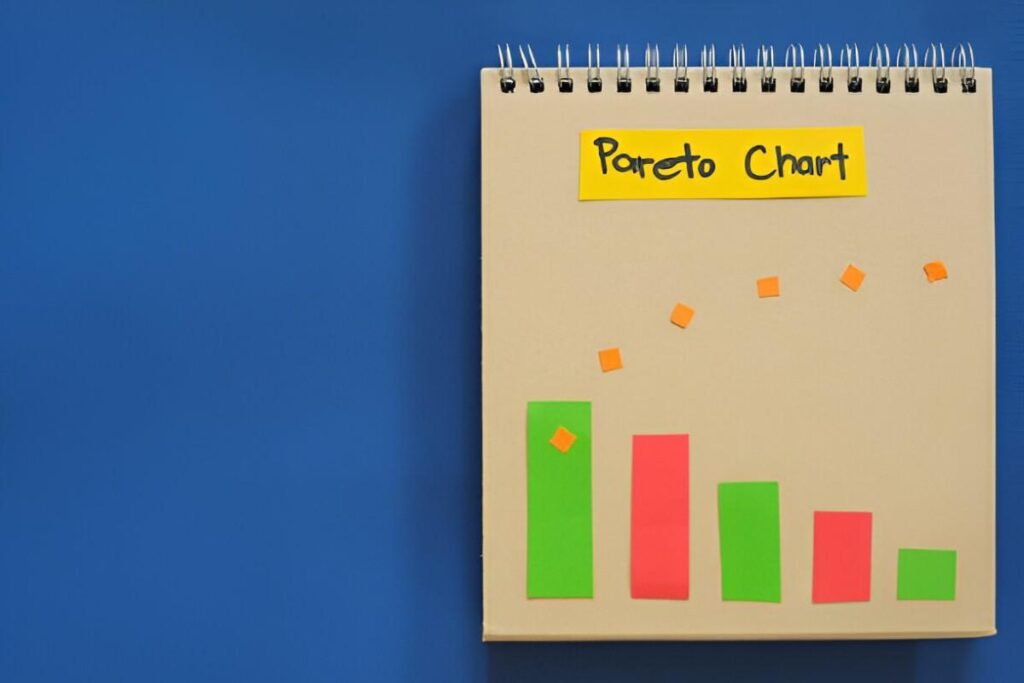
This Pareto Chart Template Excel Template is a comprehensive and user-friendly tool designed to help businesses, analysts, and quality control teams identify and prioritize key issues or factors contributing to a problem. Whether you’re conducting a root cause analysis, tracking defects, or evaluating performance metrics, this template provides a structured framework for visualizing data using the Pareto principle (80/20 rule).
Key Features:
- Data Input Section : Includes predefined fields for entering categories (e.g., defect types, issues) and their corresponding frequencies or values.
- Automatic Chart Generation : Dynamically generates a Pareto chart based on your input data, showing both the bar chart and cumulative percentage line.
- Customizable Fields : Modify categories and inputs to match your specific analysis needs.
- Professional Design : Clean layout ensures ease of use and professional presentation, suitable for reports or presentations.
- Highlight Key Insights : Clearly identifies the most significant contributors to a problem, enabling focused decision-making.
Use Cases:
- Quality Control Teams : Identify the most common defects or issues in a product or process to prioritize corrective actions.
- Business Analysts : Analyze customer complaints, sales data, or operational inefficiencies to focus on high-impact areas.
- Project Managers : Use the Pareto principle to allocate resources effectively by addressing the most critical tasks or risks first.
- Healthcare and Manufacturing : Track errors, delays, or bottlenecks to improve processes and outcomes.
How It Works:
This Pareto Chart Template Excel Template is designed to be intuitive and user-friendly. Here’s how it works:
- Input Data : Enter your categories (e.g., defect types, causes) and their corresponding frequencies or values in the designated fields.
- Sort Automatically : The template automatically sorts the data in descending order to highlight the most significant contributors.
- Generate Chart : A Pareto chart is dynamically created, displaying a bar chart for individual values and a line graph for cumulative percentages.
- Analyze Insights : Use the chart to identify the top 20% of factors responsible for 80% of the problem, enabling targeted improvements.
- Customize Layout : Modify the template to include additional details or adjust the chart design to fit your reporting needs.


