
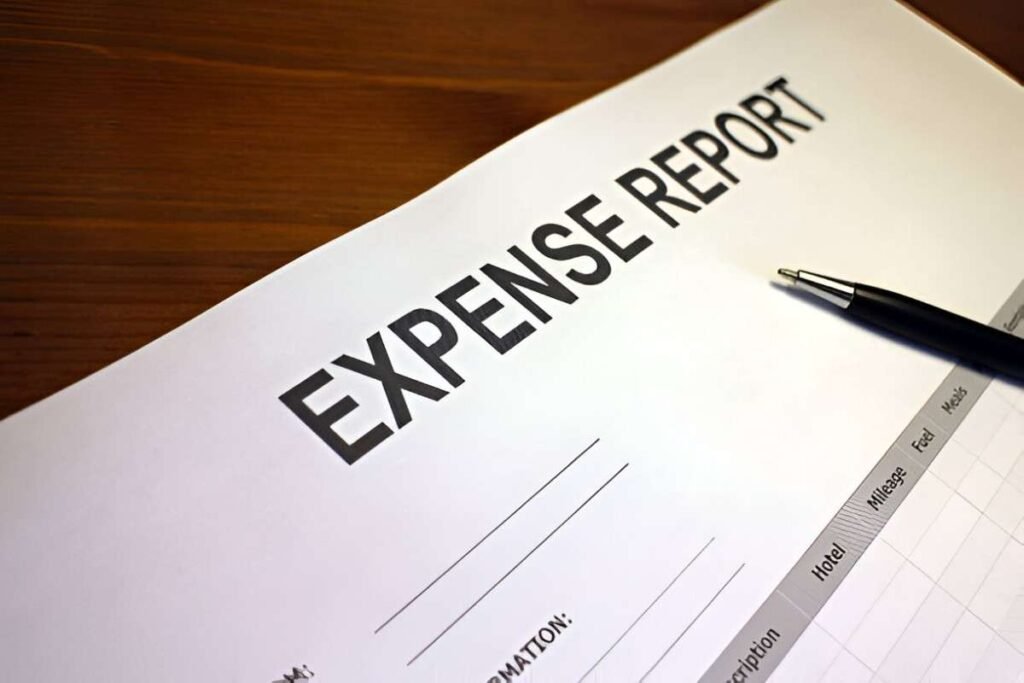
This IC Expense Report Template 8857 Excel is a professional and customizable tool designed to help businesses, employees, and finance teams efficiently track and manage business-related expenses. Whether you’re recording travel costs, office supplies, meals, or other expenditures, this template provides a structured framework to document expenses, categorize them, and ensure accurate reimbursement.
Key Features
- Predefined Categories : Includes placeholders for key expense details such as date, category (e.g., travel, meals, lodging), description, amount, and payment method.
- Automated Calculations : Automatically calculates totals for each category and overall expenses based on input data.
- Customizable Fields : Easily modify or add categories to fit your specific business needs.
- Expense Categorization : Supports organizing expenses into predefined categories like travel, meals, entertainment, and office supplies.
- Reimbursement Tracking : Provides sections for tracking reimbursable and non-reimbursable expenses.
- Professional Layout : Clean and organized design ensures ease of use and readability for individuals and teams.
Use Cases
- Employees : Ideal for submitting detailed expense reports for reimbursement after business trips or client meetings.
- Finance Teams : Helps finance professionals review and approve expense reports while ensuring policy compliance.
- Small Businesses : Assists small business owners in tracking employee expenses and managing cash flow.
- Travel Managers : Supports organizing and analyzing travel-related expenses for teams or departments.
- Project Managers : Enables tracking project-specific expenses to ensure they stay within budget.
How It Works
- Input Expense Details : Enter details such as date, category, description, amount, and payment method into the designated columns.
- Categorize Expenses : Assign each expense to a predefined category (e.g., travel, meals, lodging) for better organization.
- Track Reimbursements : Use the template to mark expenses as reimbursable or non-reimbursable.
- Review Totals : The template automatically calculates total expenses and subtotals for each category.
- Save and Share : Once completed, save the file and share it with your manager, finance team, or accounting department for approval.


