
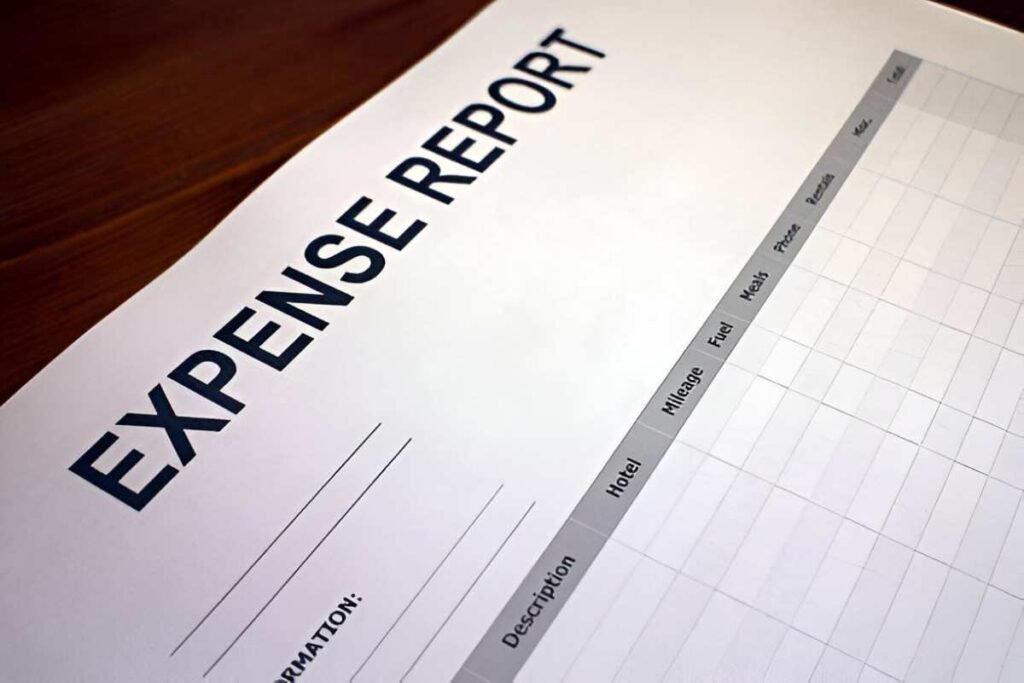
This Simple Expense Report Excel Template is a professional and dynamic tool designed to help individuals, teams, and organizations track and manage expenses effectively. Whether you’re managing business travel, project-related costs, or personal expenditures, this template ensures that all expenses are clearly documented, categorized, and calculated for accurate financial reporting. With its user-friendly layout and customizable features, it’s perfect for anyone looking to streamline expense tracking.
Key Features:
- Automated Calculations : Automatically calculates totals, subtotals, and reimbursements, saving time and reducing errors.
- Customizable Categories : Easily modify expense categories (e.g., Travel, Meals, Supplies) to fit your specific needs.
- Professional Design : Provides a polished and organized format for documenting expenses, ensuring clarity and professionalism.
- Scalable Design : Add or remove rows to accommodate changes in scope or additional line items as needed.
- Print-Friendly Format : Designed for easy printing, making it simple to submit reports for reimbursement or record-keeping.
Use Cases:
- Employees : Submit professional expense reports for reimbursement while maintaining accurate records of spending.
- Managers : Review and approve expense reports to ensure compliance with company policies.
- Business Owners : Track project-related costs and analyze spending patterns for better financial planning.
- Freelancers : Document expenses for tax purposes or client billing.
- Students : Learn about expense tracking and financial documentation in personal finance management.
How It Works:
- Input Expense Details : Begin by entering all expenses under appropriate categories (e.g., Travel , Meals , Supplies ). Include details such as date, description, amount, and payment method.
- Log Reimbursement Status : Indicate whether the expense is reimbursable and track the reimbursement status.
- Calculate Totals : The template will automatically calculate the total expenses, reimbursable amounts, and any outstanding balances based on the provided data.
- Attach Receipts : Use placeholders to attach digital copies of receipts or invoices for verification purposes.
- Customize Layout : Modify colors, labels, or sections to better fit your personal or organizational needs.
- Save and Share : Save the file digitally for ongoing updates or print it for submission.
With its focus on precision and clarity, this Simple Expense Report Excel Template simplifies the complexities of creating professional expense reports. Download now to streamline your expense tracking process and ensure accurate financial records!


