
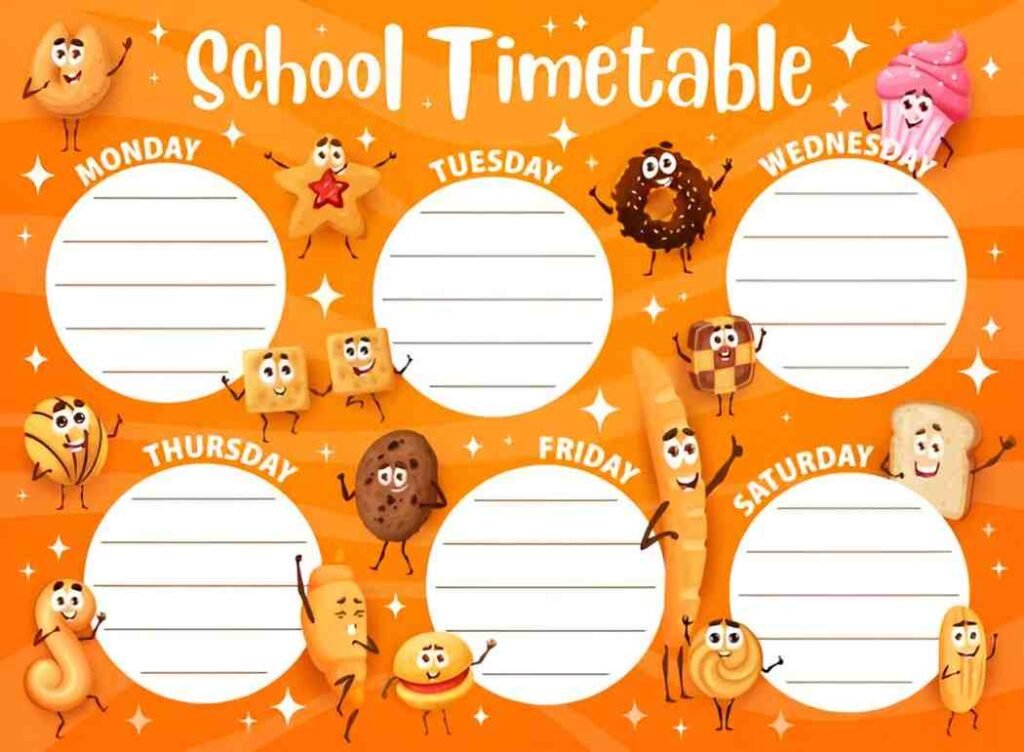
This Snack Schedule for Class Excel Template is a professional and dynamic tool designed to help teachers, parents, and class organizers plan and manage snack schedules for students effectively. Whether you’re coordinating daily snacks for a classroom, after-school program, or special event, this template ensures that all snack assignments are clearly outlined, scheduled, and tracked for smooth execution. With its user-friendly layout and customizable features, it’s perfect for educational institutions, teams, and organizations.
Key Features:
- Automated Calendar : Includes a pre-formatted weekly or monthly calendar that updates automatically as you input snack details, saving time and effort in creating schedules.
- Customizable Categories : Easily modify snack categories (e.g., Monday, Wednesday, Friday) to fit your specific class needs.
- Participant Tracking : A dedicated table allows you to list participants, assign snack days, and track completion status, ensuring full visibility into the schedule.
- Scalable Design : Add or remove rows and columns to accommodate changes in scope or additional participants as your class evolves.
- Print-Friendly Format : Designed for easy printing, making it simple to share with parents, teachers, or students.
Use Cases:
- Teachers : Monitor snack schedules and ensure alignment with class activities while tracking deliverables.
- Parents : Streamline workflows by identifying inefficiencies and optimizing snack assignments for their children.
- Class Organizers : Gain clear visibility into snack progress and potential scheduling conflicts to make informed decisions.
- After-School Programs : Track schedules and ensure alignment with key events or organizational goals.
- Educators and Students : Teach or learn about planning concepts like task sequencing, timelines, and resource allocation.
How It Works:
- Input Participant Details : Begin by listing all participants under appropriate categories (e.g., Monday , Wednesday , Friday ). Include names, assigned days, and any special notes (e.g., allergies).
- Log Snack Assignments : Input details for each participant, including the type of snack they will bring and the date assigned.
- Track Progress : Update the Completion Status column as snacks are delivered. For example, mark Monday’s Snack as complete once the participant brings their assigned item.
- Highlight Dependencies : Use the chart to visualize dependencies and ensure critical tasks (e.g., allergy-friendly snacks) are completed on time to avoid delays.
- Adjust Timelines : Modify snack days or assignments as needed to reflect changes in scope or priorities.
- Monitor Status : Review the schedule regularly to ensure tasks are on track and address any delays promptly.
- Customize and Share : Modify colors, labels, or sections to better fit your project or organizational needs. Save the file digitally for ongoing updates or print it for presentations.
With its user-friendly design and focus on clarity, this Snack Schedule for Class Excel Template simplifies the complexities of managing snack schedules and assignments. Download now to streamline your workflows and achieve your class goals efficiently!


