
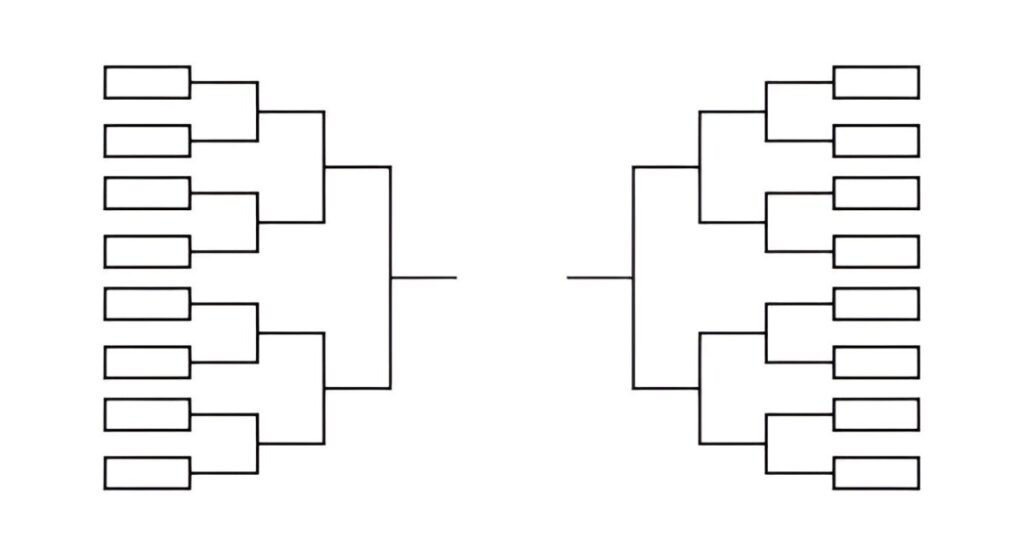
This Double Elimination Bracket Excel Template is a professional and customizable tool designed to help tournament organizers create and manage double elimination brackets for competitions. Whether you’re organizing a sports league, gaming tournament, or any competitive event, this template provides a clear and structured layout to track teams, matches, and results across both the winner’s and loser’s brackets.
Key Features
- Predefined Brackets : Includes separate sections for the winner’s bracket and loser’s bracket, with placeholders for up to 24 teams (or fewer).
- Customizable Team Names : Easily input team names, tournament titles, and dates to personalize the bracket.
- Match Tracking : Provides designated cells to record match results, including round numbers and game scores.
- Automatic Progression : Automatically advances winners and losers to the appropriate rounds based on match outcomes.
- Championship Match : Clearly highlights the final championship match and includes provisions for a potential rematch if the loser’s bracket winner defeats the winner’s bracket champion.
- Professional Layout : Clean and organized design ensures ease of use and readability for organizers, participants, and spectators.
Use Cases
- Sports Tournaments : Ideal for organizing basketball, volleyball, soccer, or other sports leagues with double elimination rules.
- Gaming Competitions : Helps esports organizers manage tournaments for games like League of Legends, FIFA, or chess.
- Corporate Events : Assists in running internal competitions or team-building events with a competitive twist.
- School Activities : Supports teachers and students in organizing debates, quizzes, or sports days.
- Community Leagues : Ensures fair and transparent management of local recreational leagues or hobbyist groups.
How It Works
- Input Tournament Details : Replace placeholders with the tournament name, dates, and participating team names.
- Record Match Results : Enter scores or outcomes for each match in the designated cells under the winner’s and loser’s brackets.
- Track Progression : The template automatically updates the bracket to reflect which teams advance to subsequent rounds.
- Determine Champions : Use the final championship section to declare the overall winner, including provisions for a rematch if necessary.
- Save and Share : Once completed, save the file and share it with participants, organizers, or stakeholders for review.


