
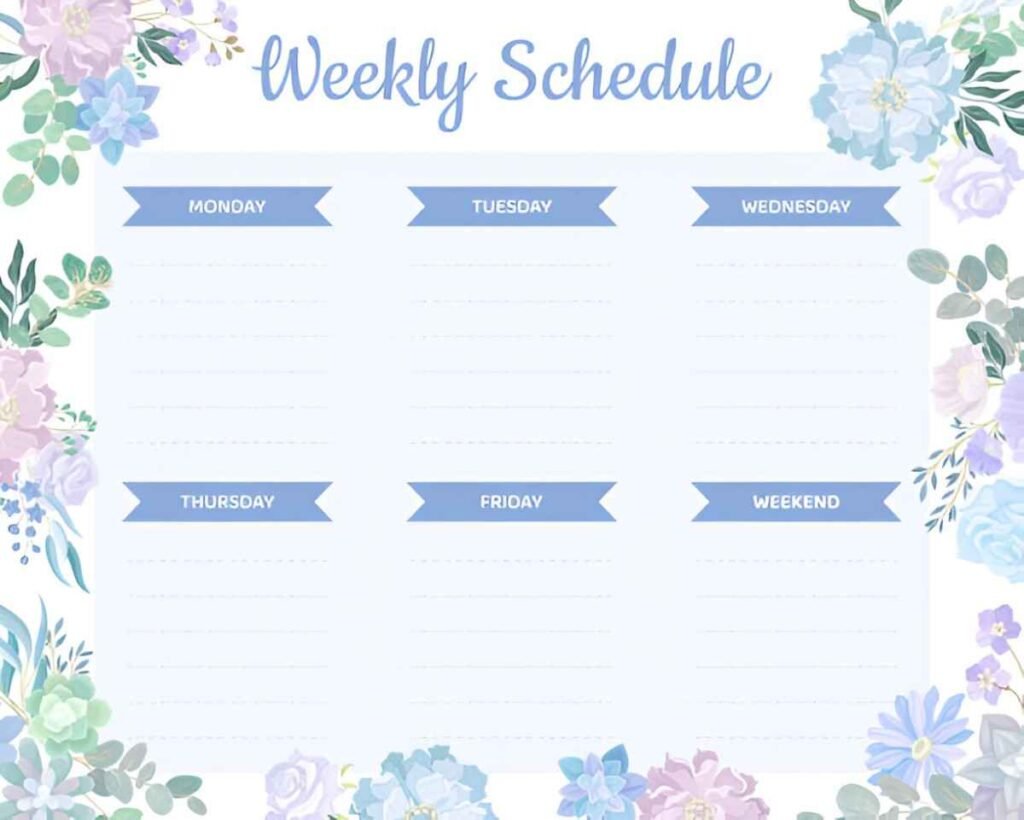
This Simple Weekly Schedule Excel Template is a professional and dynamic tool designed to help individuals, families, or teams organize their weekly activities effectively. Whether you’re managing work tasks, personal commitments, or team schedules, this template ensures that all activities are clearly outlined, categorized, and tracked for better time management. With its user-friendly layout and customizable features, it’s perfect for anyone looking to streamline their weekly planning.
Key Features:
- Automated Layout : Includes pre-formatted days of the week and time slots, saving time and effort in creating schedules.
- Customizable Time Slots : Easily modify time intervals (e.g., hourly, half-hourly) to fit your specific needs.
- Color-Coded Categories : Assign colors to different types of activities (e.g., Work, Personal, Family) for better visualization and prioritization.
- Scalable Design : Add or remove rows and columns to accommodate changes in scope or additional activities as needed.
- Print-Friendly Format : Designed for easy printing, making it simple to use as a physical planner or shared schedule.
Use Cases:
- Individuals : Plan and track personal activities, appointments, and goals for better time management.
- Families : Coordinate family schedules, including school, work, and extracurricular activities.
- Teams : Organize team workflows and ensure alignment with deadlines and priorities.
- Students : Manage study schedules, assignments, and extracurricular commitments.
- Educators : Teach students about time management and organizational skills.
How It Works:
- Input Activities : Begin by entering activities under the appropriate day and time slot. Include details such as task names, durations, and categories.
- Assign Colors : Use the color-coding feature to categorize activities (e.g., Work, Personal, Family) for better visualization.
- Track Progress : Review the schedule regularly to ensure tasks are on track and address any conflicts or delays promptly.
- Adjust Timelines : Modify time slots or days as needed to reflect changes in scope or priorities.
- Customize Layout : Modify colors, labels, or sections to better fit your personal or organizational needs.
- Save and Share : Save the file digitally for ongoing updates or print it for use as a physical planner.
With its focus on simplicity and clarity, this Simple Weekly Schedule Excel Template simplifies the complexities of organizing weekly activities. Download now to streamline your planning process and ensure efficient time management!


