
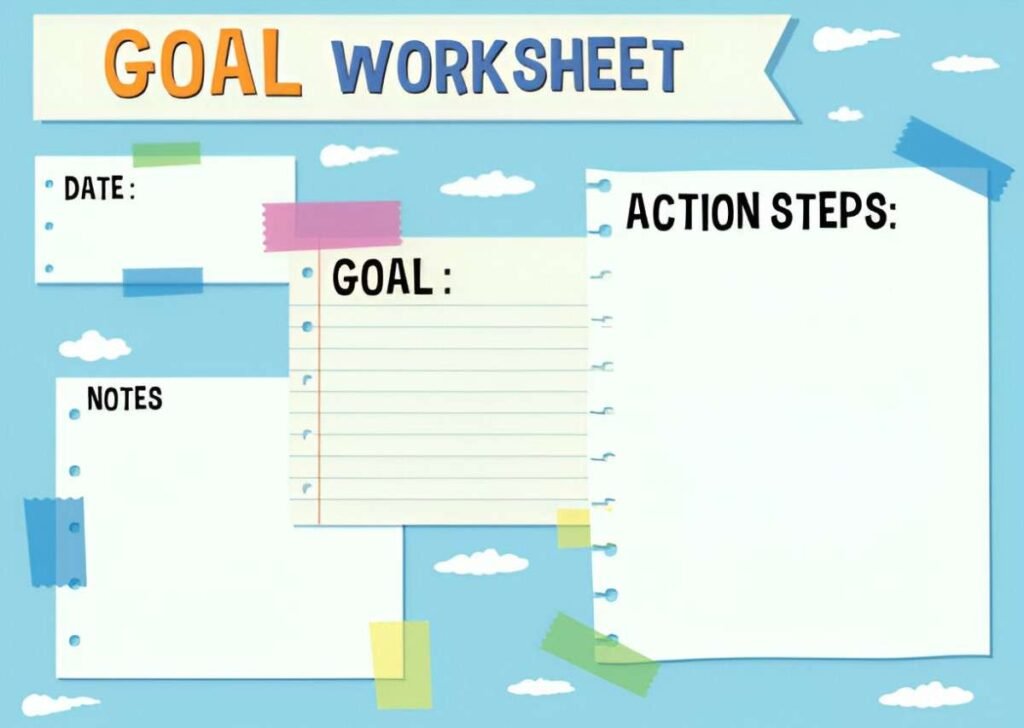
This SMART Goals Worksheet Excel Template is a professional and dynamic tool designed to help individuals, teams, and organizations set and track goals effectively using the SMART framework (Specific, Measurable, Achievable, Relevant, Time-bound). Whether you’re planning personal development, team objectives, or organizational strategies, this template ensures that all goals are clearly defined, actionable, and monitored for timely achievement. With its user-friendly layout and customizable features, it’s perfect for businesses, teams, and individuals across industries.
Key Features:
- SMART Framework Integration : Includes pre-formatted sections for each component of SMART goals (Specific, Measurable, Achievable, Relevant, Time-bound), ensuring clarity and focus.
- Goal Breakdown Table : A dedicated table allows you to list goals, assign leads, set deadlines, and track progress percentages, ensuring full visibility into your goal-setting process.
- Progress Tracking : Use placeholders to visually represent goal progress, helping you identify bottlenecks and stay on schedule.
- Customizable Layout : Adjust the template to fit your specific needs, whether for personal, team, or organizational goals.
- Scalable Design : Easily add or remove rows and columns to accommodate changes in scope or additional goals as your plans evolve.
Use Cases:
- Individuals : Set and track personal goals for career growth, fitness, education, or financial planning.
- Teams : Streamline workflows by identifying inefficiencies and optimizing task sequences in goal achievement processes.
- Managers : Monitor team goals and ensure alignment with organizational priorities while tracking deliverables.
- Educators and Students : Teach or learn about goal-setting practices and their application in personal and professional development.
How It Works:
- Define SMART Goals : Begin by listing all goals under appropriate categories (e.g., Career, Health, Finance). Ensure each goal meets the SMART criteria: Specific, Measurable, Achievable, Relevant, and Time-bound.
- Assign Ownership : Assign leads or team members responsible for achieving each goal.
- Set Deadlines : Input target completion dates for each goal to ensure timely execution.
- Track Progress : Update the Progress (%) column as goals progress. For example, mark Complete Professional Certification as 50% complete once half the requirements are met.
- Monitor Status : Review the worksheet regularly to ensure goals are on track and address any delays promptly.
- Customize and Share : Modify colors, labels, or sections to better fit your project or organizational needs. Save the file digitally for ongoing updates or print it for presentations.
With its user-friendly design and focus on clarity, this SMART Goals Worksheet Excel Template simplifies the complexities of setting and achieving goals. Download now to streamline your goal-setting process and achieve your objectives efficiently!


